
[Repost:] 245% Increase in SVG Files Used to Obfuscate Phishing Payloads
The KnowBe4 Threat Research team has observed a sustained increase in the use of Scalable Vector Graphics (SVG) files to obfuscate malicious payloads.

The KnowBe4 Threat Research team has observed a sustained increase in the use of Scalable Vector Graphics (SVG) files to obfuscate malicious payloads.

Ready to unlock the future? Dive into the electrifying work of cybersecurity at Marshall University’s exclusive Cyber Experience.

To celebrate the 5th anniversary of my super-popular UI & UX Micro-Tips, I’ve brought together some of the most timeless tips, and bundled them in an 8-Bit format. Why? Just because 🙂

A quarterly journal of science and research, Neuron, highlights ongoing scientific work happening at higher education institutions throughout the Mountain State. The magazine is funded through the National Science Foundation’s (NSF) Established Program to Stimulate Competitive Research (EPSCoR).
AI is advancing at lightning speed, but it’s also raising some big questions, especially when it comes to security. The latest AI making headlines is DeepSeek, a Chinese startup that’s shaking up the game with its distilled cost-efficient, high-performing models. But it’s also raising red flags for cybersecurity pros.
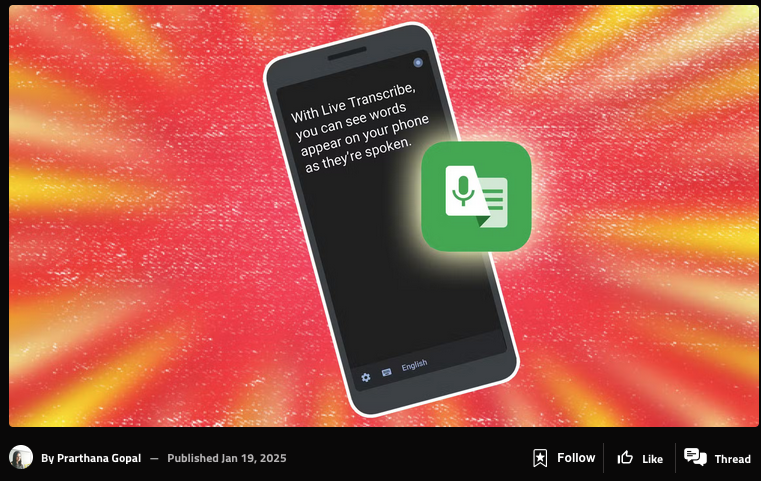
Your Android device has a range of accessibility features. Read the entire article on the androidpolice.com blog.
Every year, the bad guys take advantage of innocent taxpayers, like you, who are patiently waiting on their tax return. Last year, the IRS noticed a significant increase in phishing attempts to steal money or tax data, therefore you must be on high alert. How it Happens: Tax Scams and Malicious Activity The bad guys have a number of tax-related tricks up their sleeves when it comes to stealing your money and/or sensitive information. Here

Who says your Mac can’t get into the holiday spirit? We’ve got THE ULTIMATE guide to turn your boring desktop into a festive wonderland! LIGHT IT UP! Festivitas app, string lights everywhere, ugly Christmas sweater vibes, Christmas tree on your screen? Tag a Mac friend who needs this FESTIVE TECH GLOW-UP! #MacHoliday #TechDecor #FestiveMac
Sophos describes a QR code phishing (quishing) campaign that targeted its own employees in an attempt to steal information.
How to Stay Safe While Working from Home You may work remotely on a regular basis or you may have been mandated to work remotely due to unexpected circumstances. Either way, working from home can feel much different from working in an office. You could find yourself snacking more often, getting distracted by furry friends, or forgetting the last time you put on real pants. No matter how your environment changes, it is important to